
Get familiar first
Explore the cards and listen to piano examples. Connect what you see with what you hear, at your own pace.
Learn mode Note Steps
From your first middle C to a short musical phrase.
Learn, practice, and test your recall. Build your musical vocabulary, one step at a time.
Designed for iPhone and iPad. Android coming soon.
Meet this note
Choose a mode above to explore the demo
Interactive illustration, not an app screenshot
60 focused units break music fundamentals into manageable goals.
Follow the course path or combine the topics you want to practice.
Start with the basic marks of music
Read a note and find its pitch
Understand the distance between notes
Explore root position and inversions
Meet major and relative minor keys
Bring individual notes together
Some course content awaits teacher review and is clearly marked in the app.
Take your time with something new.
Try recalling familiar material on your own.
Explore the cards and listen to piano examples. Connect what you see with what you hear, at your own pace.
Learn modeAnswer with choices, on-screen piano keys, or spoken Chinese. Use a hint when needed and try again after a mistake.
Practice modeAnswer without hints. Review your results after the test, then decide what to learn or revisit next.
Test modeMeet a few notes on your commute. Sit down and practice a phrase.
Layouts adapt to your screen so the music stays clear.
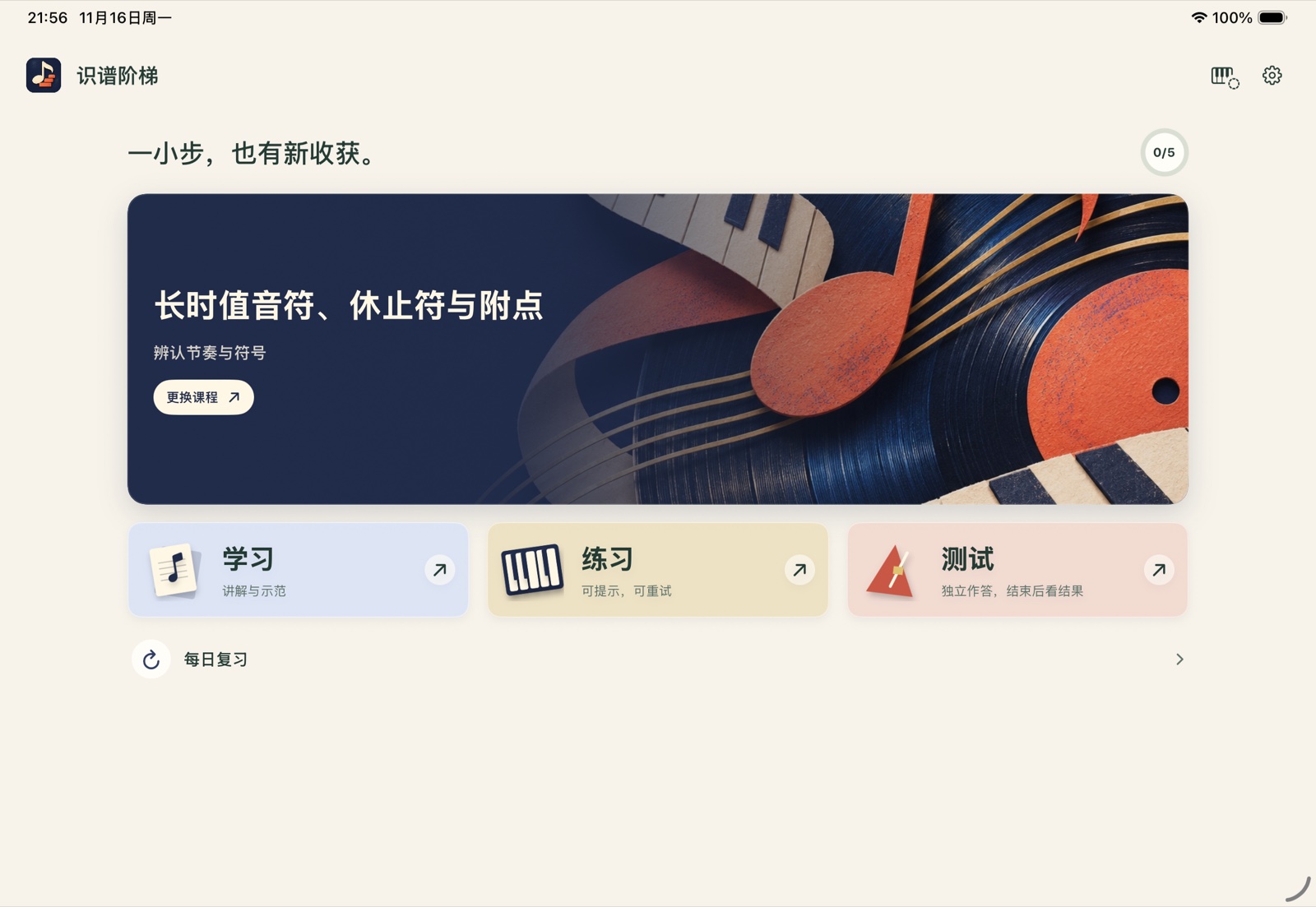
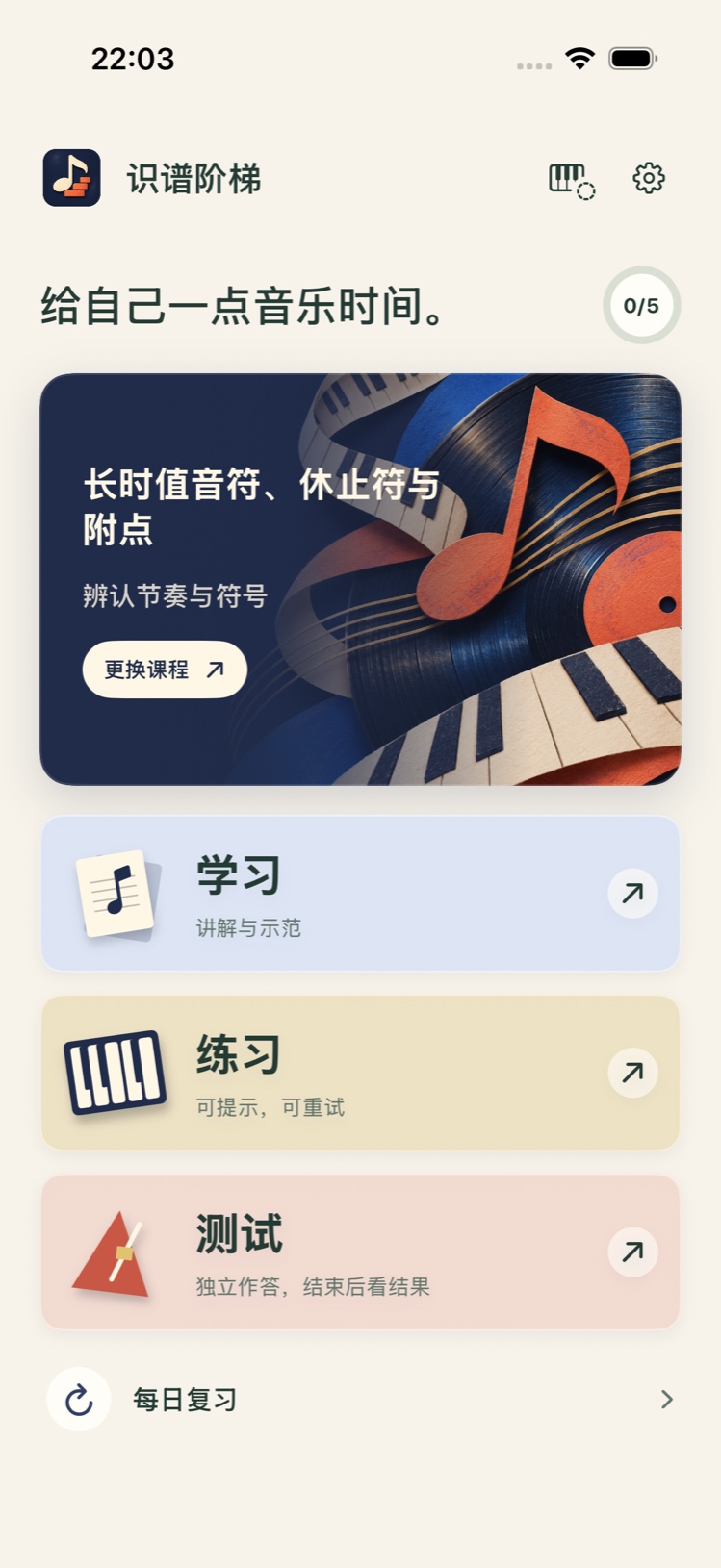
Use choices, on-screen piano keys, or MIDI where supported. Compatible exercises also accept spoken Chinese.
Learning reports, focused review, check-ins, and badges help you see what you have built.
Basic learning and touch-based practice work offline. Each mode keeps its own unfinished session.
Starting from scratch is welcome.
Find a first step that suits you.
Yes. Start with rhythm and symbols, then move through notes, intervals, triads, key signatures, and short phrases. Get familiar in Learn mode before practicing or testing yourself. Content awaiting teacher review is marked in the app.
No. Depending on the exercise, use note-name choices, dedicated options, on-screen piano keys, or a MIDI keyboard. Spoken Chinese requires permissions and available on-device recognition. Real-device performance is still being evaluated; touch input is available as an alternative.
Basic learning and touch-based practice work offline. Exercises and piano sounds are bundled with the app. Offline spoken Chinese depends on your device and available models. Audio is not automatically uploaded when on-device recognition is unavailable, and raw recordings are not saved by default.
You can use a system-recognized USB or Bluetooth MIDI instrument for compatible pitch exercises. Your piano needs MIDI output. The app does not recognize acoustic piano through the microphone or grade performed rhythm. Compatibility and the experience with individual devices still need real-device verification.
Designed for iPhone and iPad, with a provisional minimum of iOS / iPadOS 17. Android is coming soon.
This website is available in Chinese and English. The app interface and teaching content are currently primarily in Simplified Chinese. Voice input uses an experimental Chinese vocabulary. An English website does not mean English courses or English voice input are available in the app.
Make music a little more familiar with Note Steps.